
Free Online GPT Image 2.5 AI Generator — No Login Required
Turn a sentence or a reference photo into a finished visual. GPT Image 2.5 renders readable in-image text, follows edit instructions precisely, and exports up to 4K — right in your browser.
- No install, works in any browser
- Text-to-image and reference editing
- Up to 4K, any aspect ratio
My Works
Your creations start here
Describe what you want, then generate your first image.
Image25 is an independent platform and is not affiliated with OpenAI.
What is GPT Image 2.5?
GPT Image 2.5 is the image generation experience at the center of Image25. Describe what you want in plain language, or upload a picture and say what to change — you get a usable, high-resolution image back without opening a design tool.
It all happens in one place: write the prompt, choose the model, set the ratio and resolution, generate, and keep every result in your creation history. You can revisit the selected model and settings for each saved image.
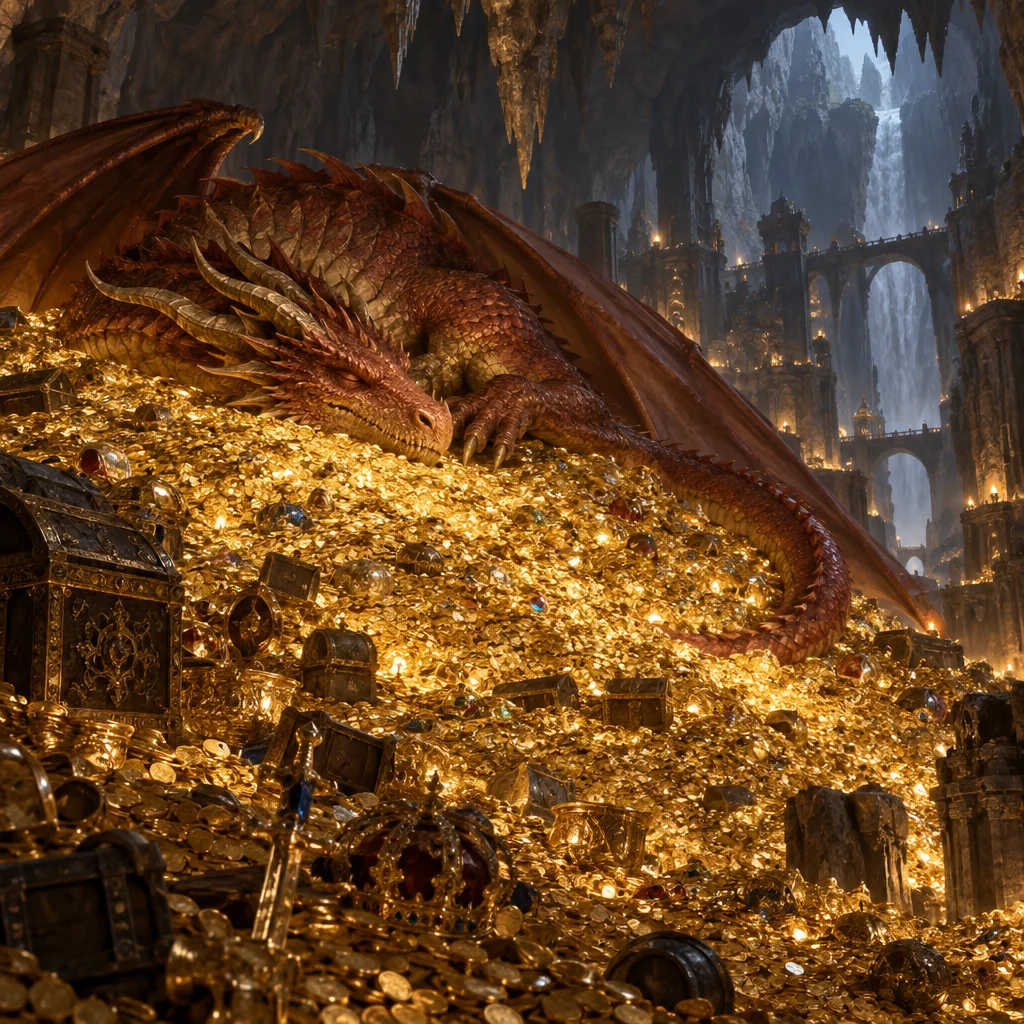
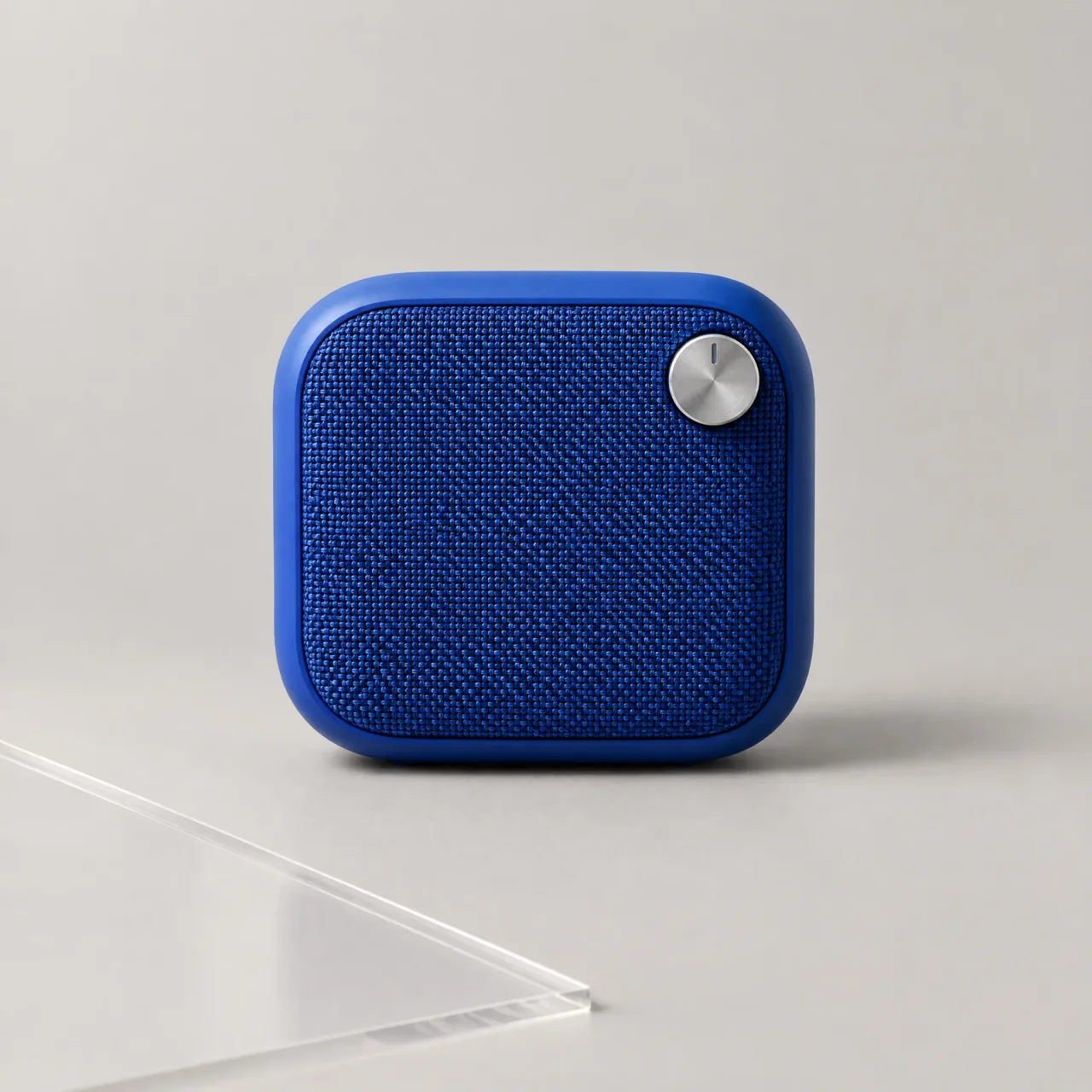
Made with GPT Image 2.5
Explore portraits, illustrated worlds, storyboards, and design concepts made with GPT Image 2.5.
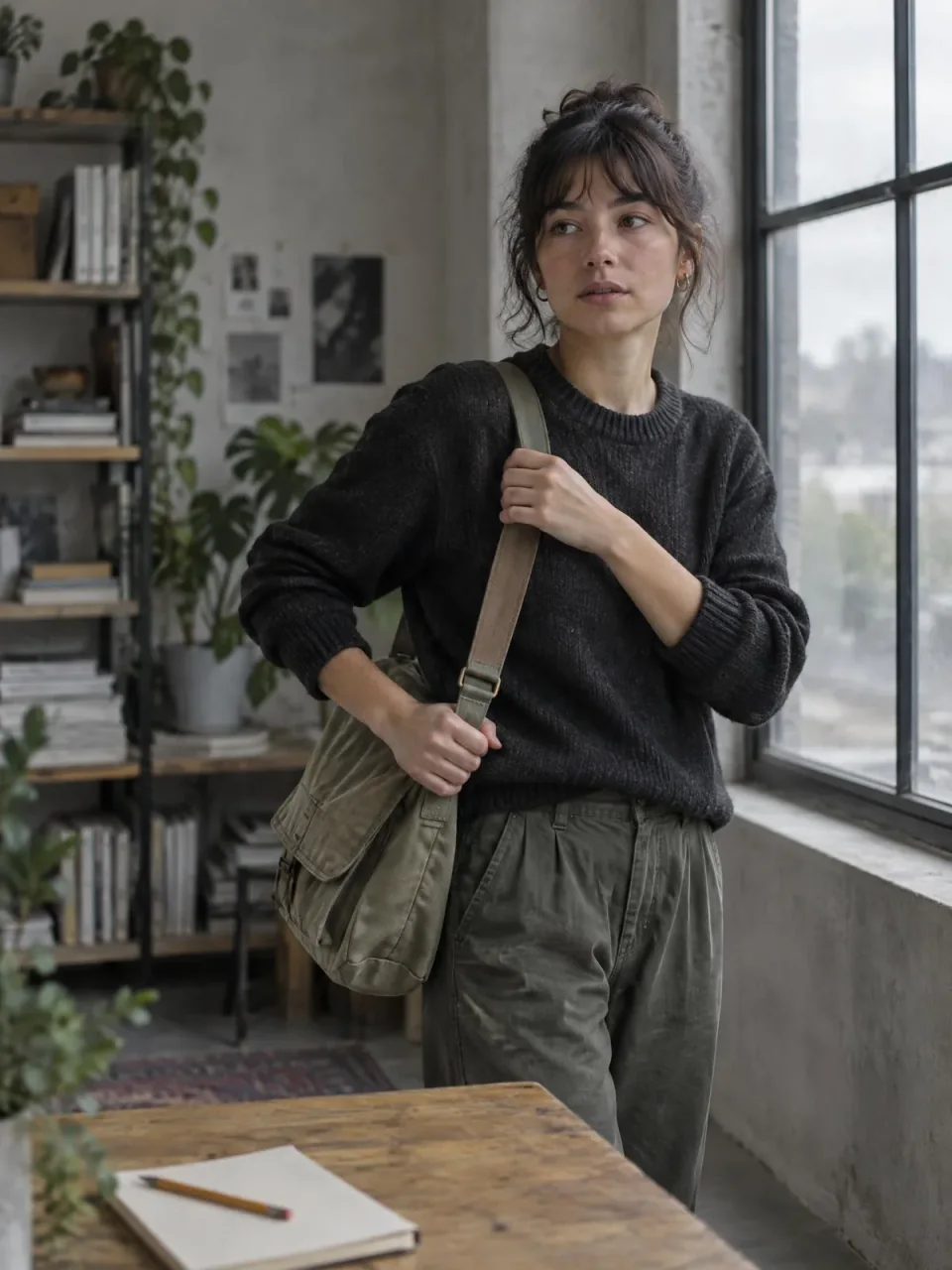
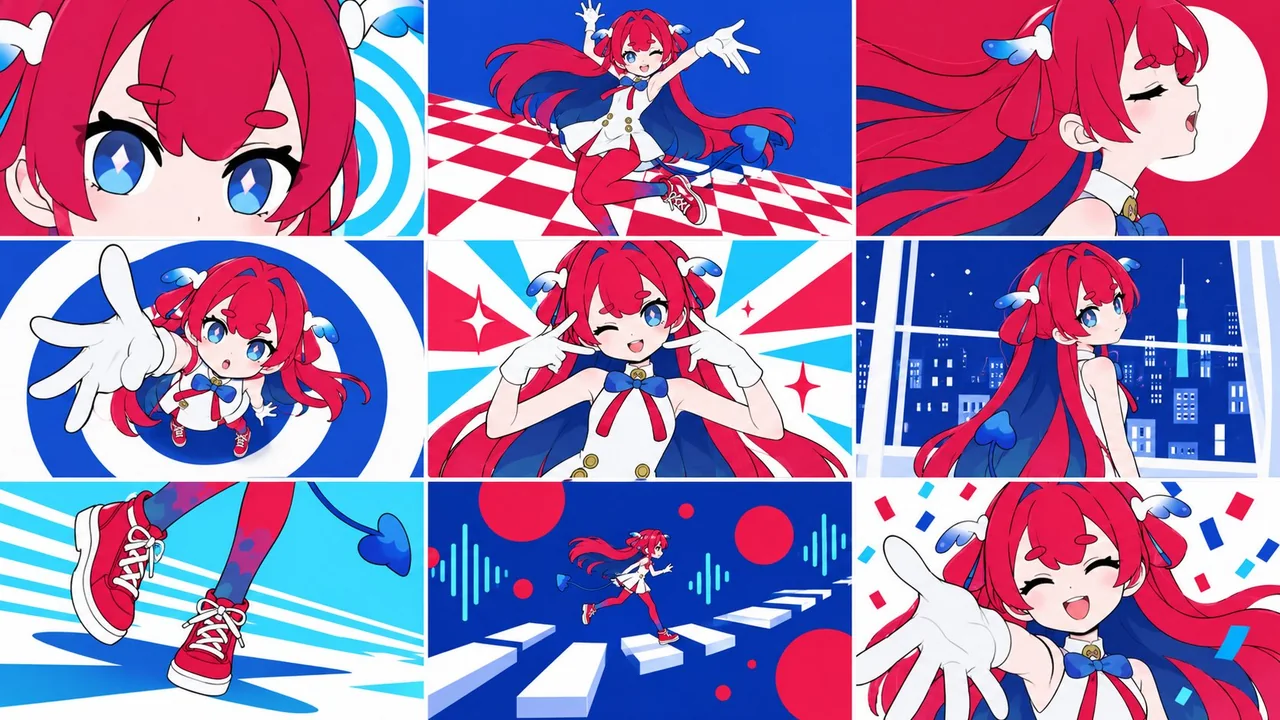
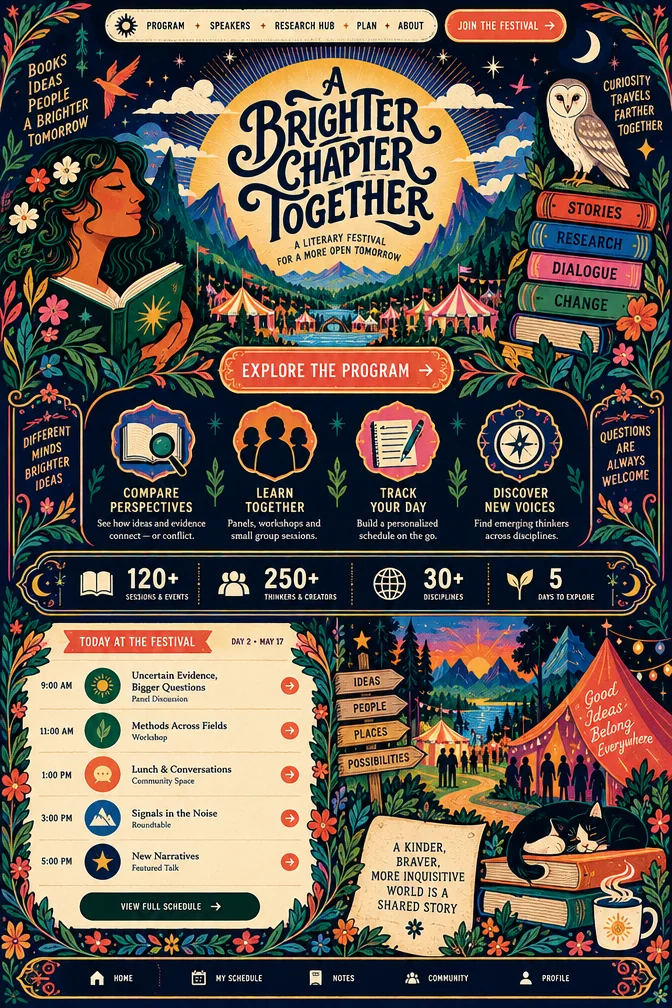
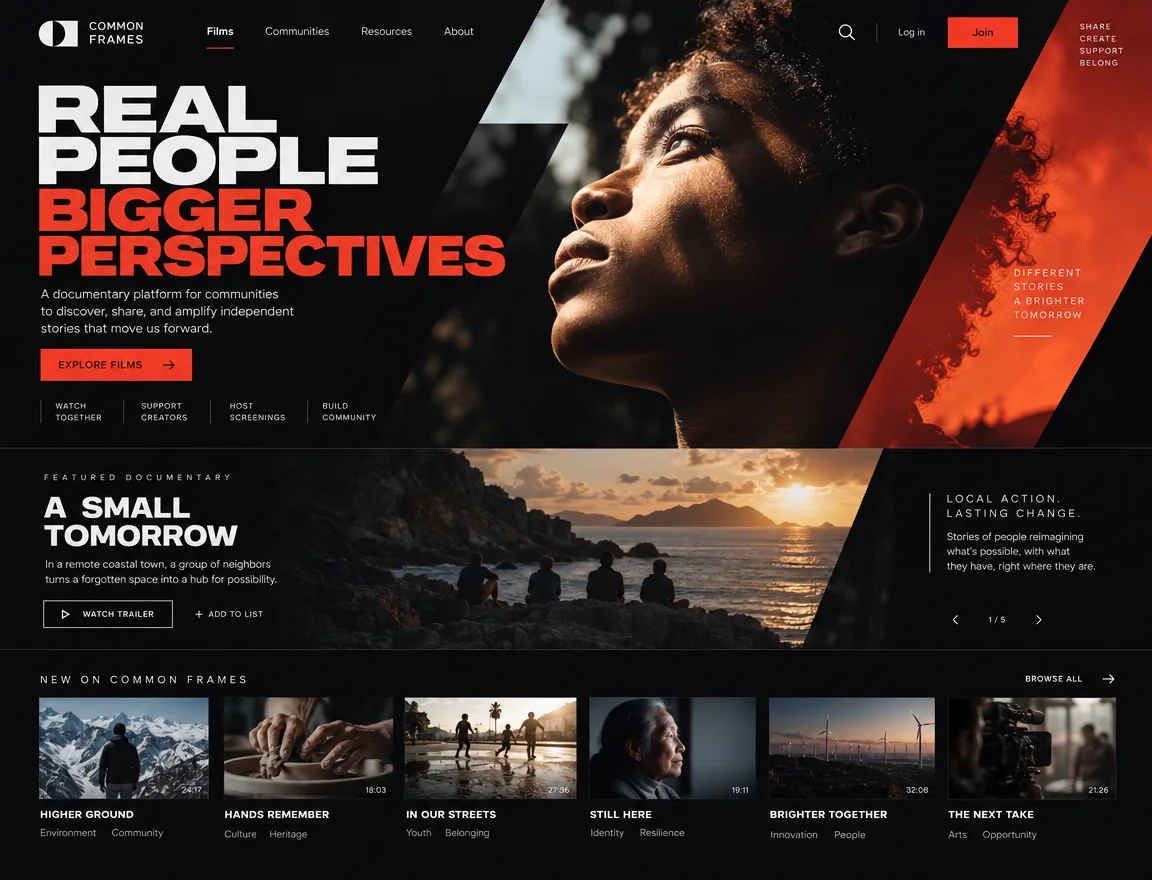
How to use the GPT Image 2.5 generator
Three steps from an idea to a downloadable image. No software, no setup.
Describe your image
Type the subject, style, mood, and any text that should appear in the picture. Or upload a reference image and describe what to change instead.
Choose your format
Pick an aspect ratio, a resolution up to 4K, the quality level, and how many variations you want. The controls adapt to the model you selected.
Generate and download
Run it, compare the results, and download the one you like — or adjust the prompt and go again. Everything you create is saved to your history.
Why creators pick GPT Image 2.5
Everything you need to get from a prompt to a publish-ready image, in one workspace.
Text you can actually read
Headlines, labels, and captions come out legible instead of scrambled — the difference that makes posters, covers, and thumbnails usable. Proofread anything customer-facing before you publish.
Edit any image you upload
Swap a background, restyle a product shot, change an outfit, fix a detail. Describe the edit in a sentence and iterate until it is right, without leaving the page.
Sharp up to 4K
Wide, square, or tall, at resolutions up to 4K — big enough for thumbnails, ad creative, posters, and print.
Pay only for what you use
Start free, then buy a one-time credit pack when you need more images or higher resolutions. No subscription required.
Fast iteration loop
Reuse a prompt, change one setting, and compare versions side by side in your creation history until you land on the right one.
Nothing to install
No GPU, no downloads, no local model to babysit. Open the page on your laptop, tablet, or phone and start generating.
What can you make with GPT Image 2.5?
Six things people create here every day — each one starts with a single prompt.
Slides and school projects
Clean diagrams, maps, and infographic-style visuals that make a deck look finished instead of improvised.
YouTube thumbnails
Bold compositions with readable title text, in 16:9, ready to upload — generate a few options and pick the one that pops.
Anime and manga panels
Character designs, panel compositions, line-art styles, and speech-bubble layouts you can keep refining.
Memes and stickers
Turn a joke into a shareable image in one prompt, caption included, then export the version that lands.
Game art and avatars
Profile pictures, skin concepts, and wallpapers in any style — pixel art, cyberpunk, watercolor, you name it.
Posters and album covers
Full layouts with typography at print-friendly resolutions — explore directions fast, then finish the one you want.
Pricing
Use Image25 credits across GPT Image 2, Nano Banana, and more. Pick the plan that matches your workflow.
Starter
Best for getting started.
- 100 credits
- GPT Image 2 generation
- Face/detail enhancement
- High-resolution output
- Fast cloud processing
- Standard support
Standard
For frequent creators and teams.
- 400 credits
- GPT Image 2 generation
- Face/detail enhancement
- High-resolution output
- Priority processing queue
- Priority support
Premium
For professional creative production.
- 1400 credits
- GPT Image 2 generation
- Face/detail enhancement
- 4K upscaling output
- Fastest processing speed
- Dedicated support
GPT Image 2.5 FAQ
Everything about pricing, output, commercial use, and the models behind the generator.
Create your first GPT Image 2.5 image
Write a prompt or upload a reference photo. Create a poster, product shot, or concept image for your next project.